
Introduction
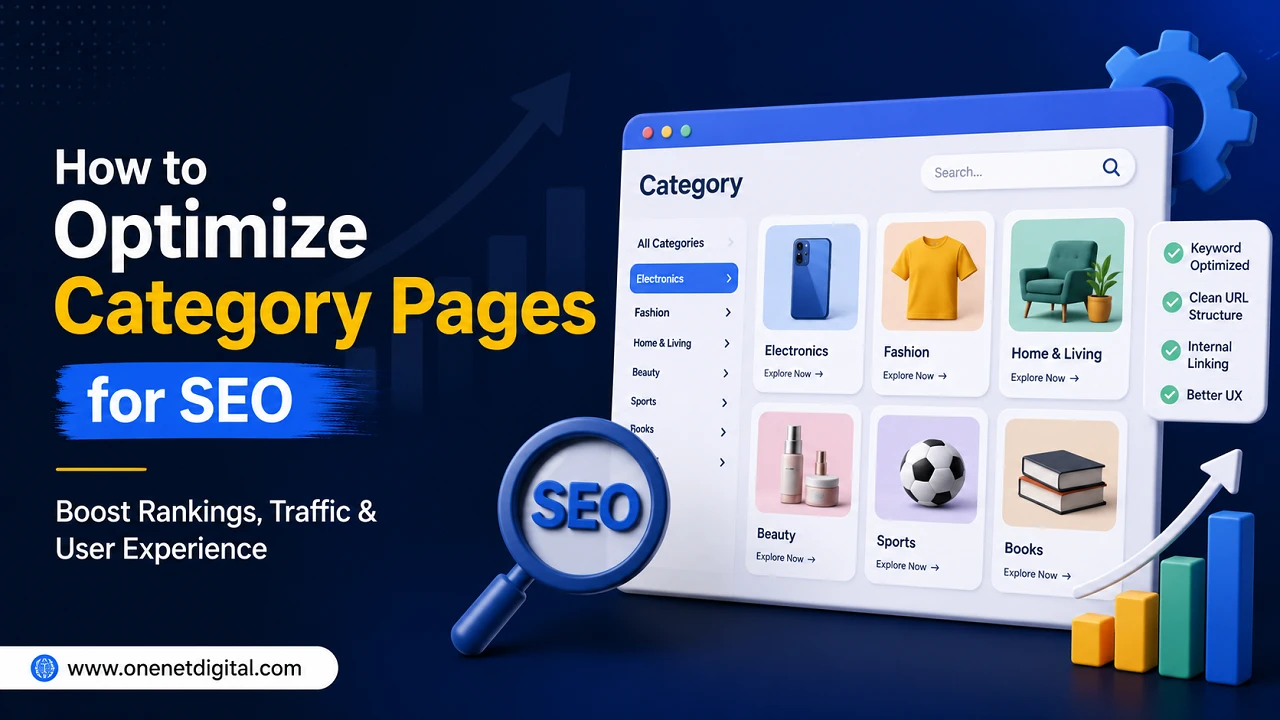
Category pages are an essential part of any website. They help visitors find similar products, services or blog posts all in one place. Users land on one category page and can easily explore related content instead of having to navigate through several pages. This saves time and makes browsing much easier.
Category pages are good for SEO too. They help search engines understand how your website is organized and what each section is for. A well-optimized category page can generate more organic traffic and increase the time visitors spend on your website. By making a few simple tweaks, you can create category pages that work for your users and search engines alike.
Know the Intent of Category Pages
A category page groups similar content. For example, an online clothes shop can have the following categories: Men’s Clothing, Women’s Clothing, Shoes. For example, a blog may have categories like SEO, Digital Marketing, Content Writing etc.
These pages make it faster for visitors to see what kind of content they want. They also make your site appear more organized. When people can find what they’re looking for easily, they are more likely to stay on your site and find other pages.
A well-structured website will also help search engines to better understand your content.
Write Clear Page Titles and Meta Descriptions
Each category page should have a unique title and meta description. These are the first things people see in the search results and they should explain what the page is about.
Use a descriptive and relevant page title for the category. Your meta description should be a short summary that persuades people to click through to the page.
Don’t repeat the same title and description on different category pages. If the information is unique, search engines can understand each page better and users will also have a better idea of what to expect.
Also Read: How to Use Heading Tags Correctly | One Net Digital
Add Valuable Content to the Page
Many sites only show products or links on their category pages. A short introduction makes the page more useful to visitors.
You can describe what’s in the category, who it’s for, or what users can expect to find. Keep it simple and useful, not stuffed with keywords.
You may also add a small section at the bottom of the page for extra information if necessary. This provides visitors with more information without taking away from the main content.
Use Clear and Useful Titles
Headings make a page more readable. They break down the information into smaller pieces so visitors can easily find what they are looking for.
Use descriptive headings relevant to the content beneath them. Avoid confusing or long headings because they make the page harder to understand.
A well-structured page also helps search engines understand the main topics you are talking about. Good headings improve the readability and SEO of your content.
Optimize Internal Links
Internal links link one page of your website to another. No difficulty in moving from one page to the next for the visitors.
For example, a category page for smartphones can lead to pages about Android phones, iPhones, phone accessories, and buying guides. You can use a blog category to link to more information on related articles.
Internal linking also helps search engines find more pages on your website. It develops a strong website architecture that enhances the overall user experience.
Also Read: How to Optimize URL Structure for SEO | One Net Digital
Make the Page User Friendly
A category page needs to be simple and clean. Visitors should not be surprised when they open it.
Products or articles should be arranged in a proper way so that people can browse without any problem. Filters and sorting options are useful if there are many items, because they help users find exactly what they are looking for.
The page should also load quickly and be mobile friendly as many users browse websites on their mobile phones. A fast, mobile-friendly page makes people happy and reduces the chance they’ll leave quickly.
Avoid Common SEO Mistakes
There are simple errors that some websites make that degrade the quality of their category pages. A common mistake is to duplicate content across pages. Each category should have information unique to that category.
Another mistake is to leave category pages almost empty. A page with a few links and not much useful info might not provide enough value for visitors.
Some of the common problems also include broken links, missing page titles, slow loading speed and poor navigation. Regular checks of your website can help you identify and fix such issues before they impact your SEO.
Keep Category Pages Up-to-Date
A website shouldn’t be static forever. You should also update category pages when you add new products, services or blog posts.
Replace old or unavailable items with new ones as necessary. You can also improve the page description if more helpful information becomes available.
Updating category pages shows that your site is active and maintained. Fresh content also improves the visitor experience as they get the latest information all the time.
Also Read: How to Write Image Alt Text for SEO | One Net Digital
Make Adjustments and Monitor the Outcomes
SEO is a process and it takes time so it’s important to check how your category pages are doing. Track how many visitors you have, how long they stay on the page and if they visit other pages on your site.
If a category page isn’t getting enough traffic, review its title, description, content and internal links. Tiny changes over time can make a huge difference.
Keep testing new ideas. Keep evolving your pages to your users’ needs. Regular updates will keep your site growing steadily and improving in search rankings.
Conclusion
Category pages are far more than a list of products or articles. They help you structure your website, improve navigation and help users find the information they need more easily. They also help search engines to understand your website and this helps with better SEO.
Some simple steps to improve category page performance are to create useful content, write unique titles, use clear headings, add internal links, improve page speed and update pages regularly. It’s all about the user experience and good page organization. Do that and you’ll increase organic traffic and build a website that’s helpful, easy to use and set up for long-term SEO success.
FAQs
1. What is a category page?
Category pages put together similar products, services or blog posts, making it easy for visitors to browse related content and quickly find what they’re looking for.
2. Why are category pages essential for SEO?
Category pages will help you to organize your website, improve navigation, support internal linking, and make it easier for search engines to understand your content and the structure of your website.
3. Should category pages contain written content?
Yes, adding simple and useful content helps visitors to understand the category better, improves user experience and gives search engines more information about the page.
4. How Often Should You Update Category Pages?
Check category pages regularly for new content, outdated information, broken links, and to keep the page useful to visitors.
5. Can internal links to category pages help to rank?
Internal links connect related pages and help search engines crawl your website more easily and provide a better browsing experience for visitors.
