
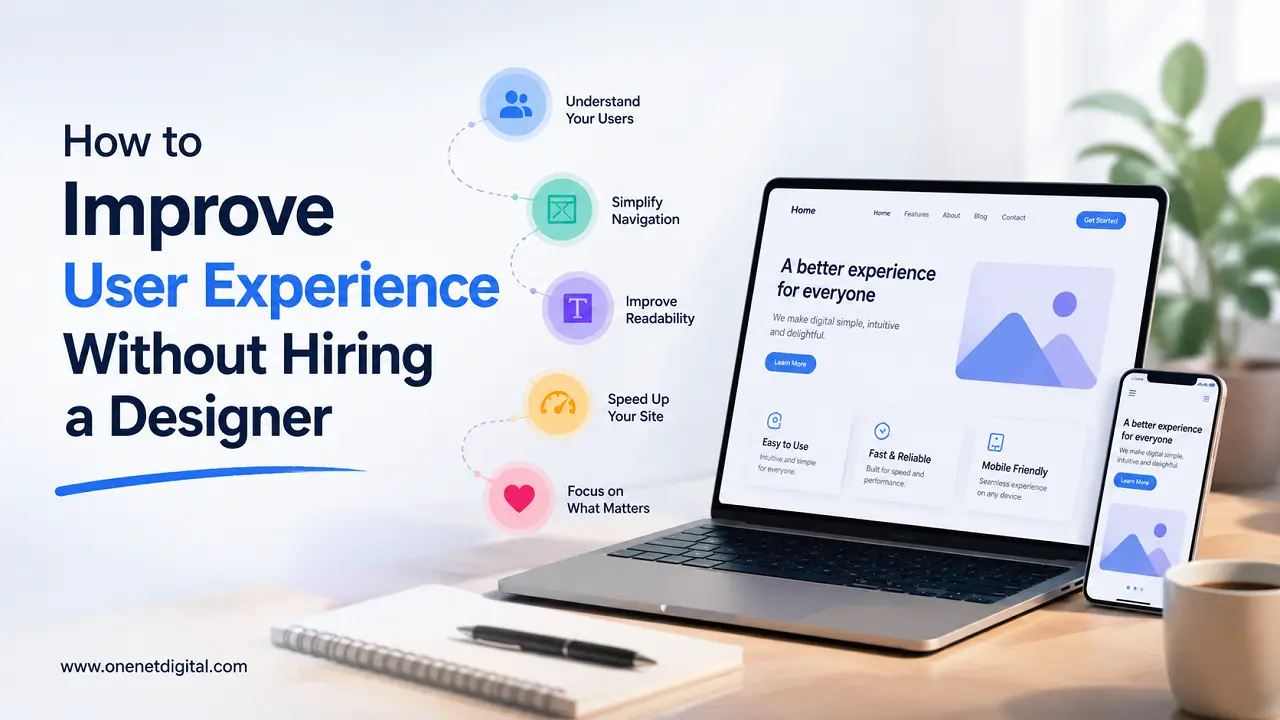
User experience (UX) is a big factor in how visitors interact with a website. A good user experience can help get people to spend more time, view more pages and take desired actions like filling out a form, making a purchase or reaching out to a business.
Many website owners think that hiring a professional designer is necessary to improve user experience. Professional design services can certainly help, but there are lots of ways to improve usability and please the visitor without paying for a full redesign.
By making small improvements, businesses and website owners can build a more user-friendly experience that benefits visitors and a website’s performance.
Understand What Users Want
The first step to enhancing user experience is to know why people come to your website.
Most visitors arrive with a specific goal in mind. They might want to:
- Get information
- Compare products/services
- Phone a business
- Read a blog post
- Purchase something
Look at your website through the eyes of a first-time visitor. Ask yourself if users can easily find what they are looking for.
They may get frustrated and leave if that information is buried under several pages or hidden in hard-to-find menus. Considering user goals when making decisions regarding your website can go a long way in improving the overall experience.
Improve Website Navigation
Website navigation is a big part of the user experience. Visitors should be able to find information quickly without feeling lost or confused. Simple fixes such as clear menu labels, reducing the number of additional menu items, grouping pages into logical categories and adding internal links can make navigation a lot easier.
If you have a lot of content on your website, a search function can also help users find information faster. Navigation system Navigation system is a good guide to your website, it makes the overall usability better.
Increase Page Loading Speed
Page speed directly affects how users interact with a website. Slow loading pages are frustrating for visitors and can increase the likelihood of them leaving before the content loads.
Improving website speed can be as simple as compressing images, removing unnecessary plugins, reducing large files, enabling browser caching and choosing reliable hosting. A little speed boost can help provide a better browsing experience and keep visitors on your site.
Also Read: How to Audit Your Website Like a First-Time Visitor
Make Content Easy to Read
Content needs to be easy to digest and understand. Readers can be turned off quickly by long paragraphs and dense blocks of text.
Short paragraphs, descriptive headings, bullet points, and adequate spacing all help improve readability. It is also important for content to be accessible, which can be achieved by using a font size that is easy to read. If information is easy to scan, people are more likely to stay on the page and keep reading.
Ensure Mobile Friendliness
Many users use their smartphones and tablets to browse websites. If your website isn’t mobile-optimized, visitors may find it difficult to navigate or interact with your content.
Make sure text is legible, buttons are easy to tap, images display correctly, and forms function properly on smaller screens. All devices get a better experience with a mobile friendly site.
Simplify Forms
Forms are important for collecting enquiries, registrations and customer information. But long forms can discourage users from completing them.
Keep forms simple. Only ask for information you want. Use clear field labels, include instructions where necessary, and clearly mark required fields. Once submitted, it is helpful to give a confirmation message to reassure the user that their request was successfully received.
Use Consistent Design Elements
Consistency makes the website easy to navigate for users. Even without a professional designer’s skills, a uniform look can improve usability.
Keep the heading styles, button designs, spacing, colours, and page layouts consistent across the website. A predictable structure helps the visitor to understand how the various pages operate.
Also Read: Tips to Make Website Readability Better for More Engagement
Improve Calls to Action
Calls to Action Guide visitors to important actions such as contacting your business, requesting information or subscribing to updates.
Use clear, simple language that tells users what to do. Position calls to action where they are easy to see and differentiate from surrounding content. Clear CTAs are more effective at guiding users along the customer journey.
Remove Unnecessary Clutter
Too many pop-ups, banners, animations or competing messages can overwhelm visitors and distract them from important content.
A more streamlined layout lets users focus on what matters. Removing unnecessary elements will increase readability, reduce distractions and make for a more enjoyable browsing experience.
Use High-Quality Images Carefully
Images can increase engagement and make content more attractive when used correctly. But the use of too many images or large image files may have a negative impact on performance.
Pick visuals that are relevant to your content and optimize them to load faster. High quality images should enhance the user experience and not slow down the site.
Strengthen Internal Linking
Internal links help visitors find more content and navigate your website efficiently.
Linking to related blog posts, service pages, guides, and FAQ sections will help keep users engaged and encourage them to explore more pages. Strong internal linking is good for the user experience and for the organization of the website.
Gather User Feedback
Listening to your audience is one of the best ways to improve user experience. User feedback can reveal problems that may not be evident to website owners.
You can gather feedback through surveys, contact forms, reviews, feedback widgets, or user testing sessions. Even small suggestions can offer a good insight into future improvements.
Also Read: How to Identify Conversion Problems on Your Website
Monitor Website Performance
Regularly monitoring website performance can help to identify areas needing attention. Data can show you how visitors are interacting with your website and where they are having problems.
Metrics like bounce rate, time on page, pages per session, exit pages, conversion rates can give you useful insights. By regularly reviewing this information you are able to make informed decisions that improve the overall user experience.
Conclusion
Improving the user experience doesn’t require hiring a professional designer or spending a lot of money to do a complete overhaul of your website. Many meaningful improvements can come from simple tweaks like improving navigation, increasing page speed, enhancing readability, optimizing for mobile devices, and reducing unnecessary clutter.
By focusing more on usability and what visitors need, website owners can create a more engaging experience that encourages people to stay longer, interact more, and achieve their goals more effectively. Small, consistent improvements can often add up to big results over time, helping a website’s overall success.
Frequently Asked Questions
1. What is user experience (UX) on a website?
User experience (UX) refers to how visitors interact with and perceive a website. It includes factors such as navigation, page speed, readability, mobile responsiveness, and overall ease of use.
2. Can I improve user experience without hiring a professional designer?
Yes. Many UX improvements can be made without professional design services. Enhancing navigation, improving page speed, simplifying forms, and making content easier to read can significantly improve the user experience.
3. Why is website navigation important for user experience?
Good navigation helps visitors find information quickly and easily. Clear menus, organized content, and internal links reduce confusion and make browsing more efficient.
4. How does website speed affect user experience?
Slow-loading websites can frustrate visitors and increase bounce rates. Faster page loading creates a smoother experience and encourages users to stay on the site longer.
5. What are some simple ways to improve website readability?
You can improve readability by using short paragraphs, descriptive headings, bullet points, sufficient spacing, and easy-to-read fonts. These elements make content easier to scan and understand.