
Introduction
A well-organized website makes it easier for visitors to find what they’re looking for, and it also makes it easier for search engines to understand what you’re trying to say. All pages should be connected to each other by appropriate internal links so that users can move naturally from one subject to another. But as websites grow, some pages are left without any internal links by accident, making them difficult to discover.
These orphaned pages can appear after the publication of new content, website redesign, or when old categories and navigation links are removed. Even if the content is useful, it can get very little traffic because it is not easily accessible to visitors and search engines. If this problem is fixed, it will enhance your website architecture, user experience and will help improve SEO performance.
What are Orphan Pages?
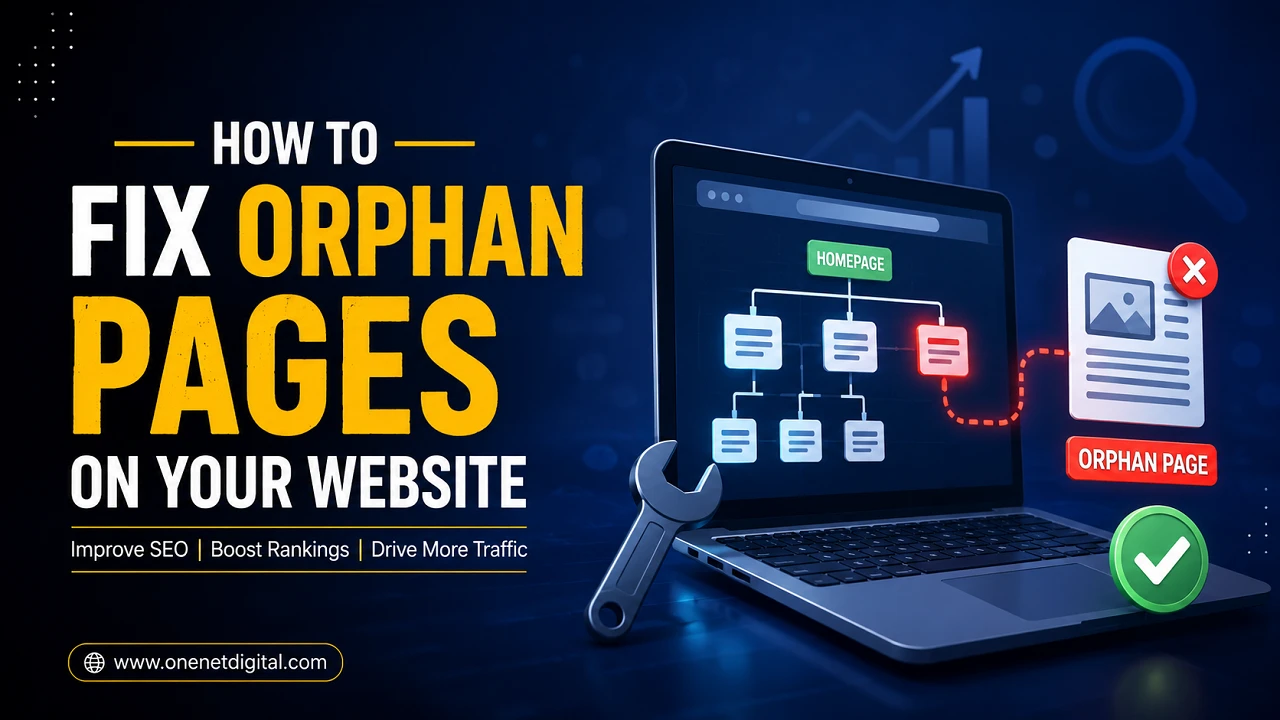
Orphan pages are pages on your site that are not linked to from any other page. They are not displayed in the normal navigation of the website, but may still be reachable by their direct URL or in an XML sitemap.
For instance, you might write a detailed blog post but not add links from related articles or category pages. The page therefore exists, but is largely ignored, as there is no obvious way for users to access it.
It can impact blogs, business sites, eCommerce stores and just about any kind of website that publishes fresh content regularly.
Why This Issue Is Important
Internal links are important for search engines to discover and understand website content. They also point visitors to related pages, making the browsing experience more helpful and engaging.
If important pages are not interlinked, they might not be visible enough, even though the content is valuable. Visitors are less likely to find those pages and the search engines may consider them less important than properly linked pages.
Keeping your website structure interconnected ensures that each important page is playing its part in the overall performance of your website, rather than being left in the shadows.
Also Read: How to Avoid Keyword Cannibalization | One Net Digital
Common Reasons People Create These Pages
One of the most common causes is forgetting to add internal links after publishing a new page. The content is published but never linked to the rest of the site.
This is the case also for website redesigns. In the course of updates menus, navigation links or category pages are changed, leaving some older pages without any internal links.
Often, marketing campaigns will have orphaned landing pages after the campaign has ended. Deleting categories, changing URLs or editing content can accidentally remove important internal links.
These are common situations and so regular website maintenance is a must.
How to Search for Hidden Pages
The first thing is to find out which pages are not linked to your site anymore.
SEO crawling tools are able to compare all available URLs of your website with internal links and easily find pages with no incoming links. Google Search Console can also help, showing indexed pages that may not be getting enough internal links.
Another good way to check your XML sitemap and your website structure. If a page is included in the sitemap but is not accessible by normal navigation, this should be checked.
Regular website audits help you catch these issues before they start to impact traffic and SEO.
Determine If the Page Is Still Required
Not all orphaned pages are worth keeping on your site.
Some pages include out-of-date information, expired promotions, duplicate content, or products that are no longer available. In this case, you might want to disconnect these pages, or create a redirect, rather than reconnect them.
If it’s still providing useful information, keep the content on your website structure via relevant internal links. This way you will keep your website neat and more manageable by carefully reviewing each page.
Also Read: How to Optimize Google Business Profile for Local Businesses
Create Internal Links Naturally
The best solution is to add relevant internal links.
First, look for related blog posts, service pages or resource sections where the page makes sense. The link should be useful to the reader and take them to additional exploration of related topics.
Another quick win for your internal linking strategy is to update older articles. As the new pages are created, links to them should be added to older pages to keep the site connected.
Natural linking improves the user experience and also helps search engine crawling, without forcing the content.
Enhance Website Navigation
An organized navigation system allows visitors to easily find important pages.
Check your menus, categories and resource pages regularly to make sure they’re providing good content. Important pages should never depend upon search or direct URLs.
A simple and organized website structure helps visitors find information faster and makes it easier for search engines to understand the relationship between the different pages.
Check Your Website Regularly
This problem shouldn’t be a one-time fix. When you publish new content or update existing pages, you should also review your internal links.
Regular website audits help you find broken links before they affect your site’s performance. Now’s also a good time to check for broken links, outdated content and other technical SEO issues.
Maintaining your website well keeps it clean and ensures that your valuable pages continue to support your overall content strategy.
Also Read: SEO vs Paid Ads: What’s Best for Small Businesses?
Avoid the Issue in the Future
The best way is to stop the problem before it happens.
Every time you create a new page, be sure to link to it from at least one related article, category page, or resource section. If you’re making big changes to your site, check your internal links to make sure important pages are still linked.
Developing a simple publishing checklist with internal linking can save time and reduce future maintenance work. Small habits like these help keep a website stronger in the long run.
Conclusion
It is an important part of web site management to keep every important page connected. A solid internal linking structure makes content easier to find, enhances navigation and helps search engines better understand your website.
Regular website audits, strategic internal linking and a planned site structure can help to prevent valuable pages becoming isolated. Consistent content reviews and website organization go a long way in providing a better experience for visitors and long-term SEO success.
FAQs
1. What is an orphan page?
Orphan pages are pages on your website that are not internally linked from other pages on your website. This can make it difficult for visitors and search engines to find them.
2. Why do orphan pages affect SEO?
Internal links help search engines discover pages on your website and understand their importance. Without internal links, search engines may struggle to find the page and understand its importance, which may limit its visibility in search results.
3. How can I find orphans pages on my website?
You can use SEO auditing tools, Google Search Console and your XML sitemap to find pages that are not internally linked.
4. Do we need to fix every orphan page?
No, if the page is still useful, it should be linked via relevant internal links. Remove or redirect old/duplicate pages
5. How often should I perform an audit on my website?
To maintain a healthy website structure, and to spot technical SEO issues early, it’s a good practice to review your website every three to six months, or after major updates.
