
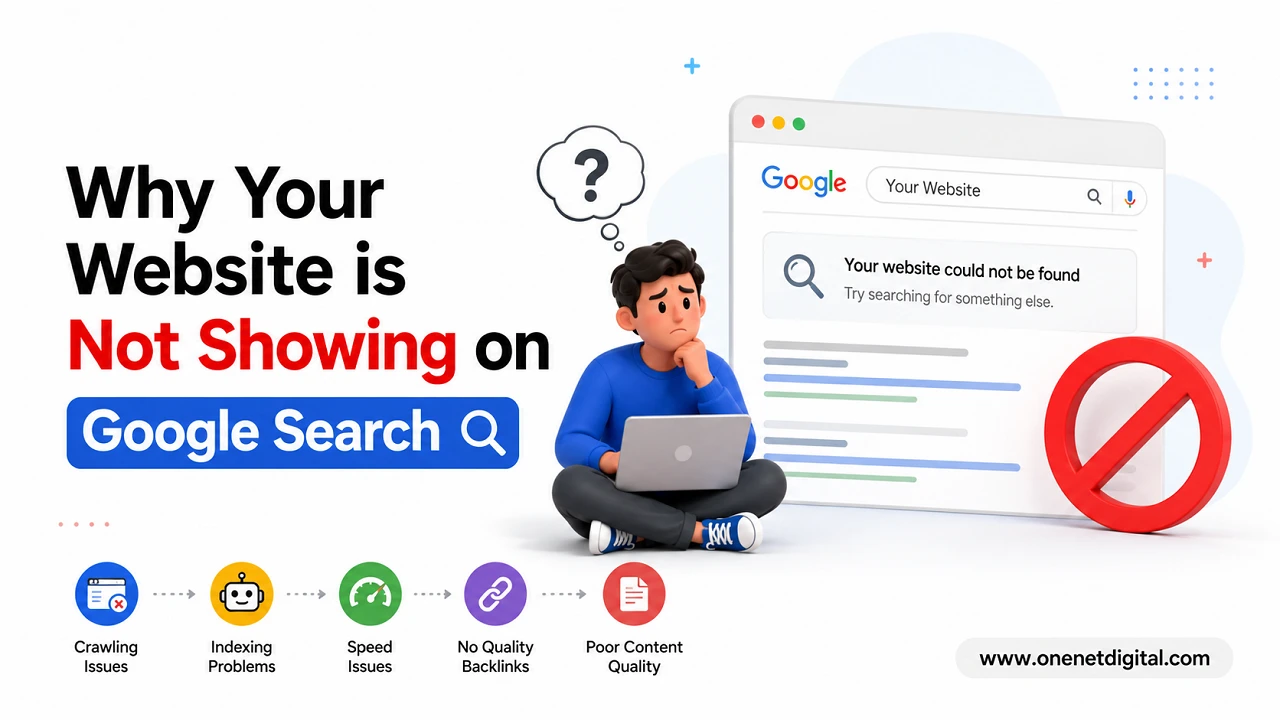
Many website owners experience the same problem after launching a new website. They publish pages, write blog posts, and expect their website to appear on Google search results quickly, but after searching for their business or content online, they cannot find their website anywhere. This situation can feel confusing and frustrating, especially for small businesses, bloggers, or startups that depend on online visibility to attract traffic, leads, and customers.
The reality is that Google does not automatically rank every website immediately after it goes live. Search engines evaluate websites based on hundreds of factors including content quality, technical SEO, website performance, user experience, backlinks, mobile usability, and overall trustworthiness.
Understanding the most common reasons why websites fail to appear on Google can help website owners identify problems early and improve their search visibility in a more effective and sustainable way.
Your Website is Still New and Google Has Not Fully Indexed It
One of the biggest reasons websites fail to appear on Google is simply because they are new. When a website is first launched, Google needs time to discover its pages, crawl the content, understand the website structure, and add the pages into its search index. This process does not happen instantly, especially for websites that have very little authority or no backlinks from other websites.
New websites often have limited online signals that help Google find them quickly. If no other websites are linking to the domain and no sitemap has been submitted, search engines may take longer to discover and crawl important pages. In some situations, indexing may happen within a few days, while in others it can take several weeks.
Your Website Pages Are Not Indexed Properly
Even if a website exists online, it does not mean Google has indexed its pages. Indexing is the process where Google stores webpage information inside its database so it can display those pages in search results when users perform searches.
A simple way to check whether pages are indexed is by searching:
site:yourdomain.com
If very few pages appear or no results show up at all, it usually means Google has not indexed the website properly. There can be several reasons behind indexing problems, including crawl restrictions, duplicate pages, poor-quality content, weak website structure, or technical errors.
Sometimes websites accidentally block important pages through settings inside SEO plugins or content management systems. In other cases, server problems prevent Google bots from accessing pages correctly.
Also Read: How to Optimize Images for Faster Website Speed and Better SEO
Robots.txt File May Be Blocking Search Engines
The robots.txt file plays an important role in controlling how search engines crawl a website. Developers often use this file during the website development stage to stop unfinished websites from appearing on Google. However, after launching the website publicly, many site owners forget to remove those restrictions.
A single incorrect line inside the robots.txt file can prevent Google from crawling the entire website. If search engine bots cannot access pages, those pages cannot appear in search results regardless of how good the content may be.
This issue is more common than many people realize, especially on WordPress websites or newly redesigned websites.
Low-Quality or Thin Content Can Reduce Visibility
Content quality remains one of the most important ranking factors in Google search results. If website pages contain very little information, duplicate material, or content that provides no real value to users, Google may choose not to rank those pages prominently.
Many websites create pages purely for search engines by stuffing keywords repeatedly without focusing on user experience. This approach no longer works effectively. Google now prioritizes content that is informative, well-structured, easy to read, and genuinely useful for visitors.
Thin content usually includes:
- Extremely short articles with limited information
- Duplicate content copied from other websites
- Automatically generated pages with little value
- Poor grammar and readability
- Excessive keyword stuffing
- Outdated or irrelevant information
Websites that consistently publish detailed, informative, and user-focused content generally perform better over time. Long-form articles with proper headings, examples, internal links, and clear explanations often have stronger chances of ranking in search results.
Technical SEO Problems May Be Affecting Search Visibility
Technical SEO problems can silently damage a website’s search performance even when the content itself is good. Search engines rely on technical signals to understand webpages correctly, and if a website has structural issues, Google may struggle to crawl or rank it effectively.
Some common technical SEO issues include:
- Broken internal links
- Slow-loading pages
- Mobile usability errors
- Duplicate URLs
- Incorrect redirects
- Missing canonical tags
- HTTPS security issues
- Crawl errors
- Poor Core Web Vitals performance
For example, if pages frequently return errors or take too long to load, search engines may reduce crawling activity. Similarly, confusing site architecture can make it difficult for Google bots to understand which pages are most important.
Performing regular technical SEO audits can help identify hidden problems that may prevent pages from appearing properly on Google.
Also Read: How to Reduce Bounce Rate and Keep Visitors on Your Website
Slow Website Speed Can Hurt Rankings
Website speed has become a major ranking factor because Google wants users to have a fast and smooth browsing experience. If a website loads slowly, users often leave before interacting with the content, increasing bounce rates and negatively affecting engagement signals.
There are many reasons why websites become slow, including oversized images, low-quality hosting, excessive plugins, poorly optimized code, and heavy scripts running in the background.
Slow websites not only frustrate visitors but also reduce the chances of ranking competitively on Google search results. Improving website speed often involves:
- Compressing images
- Using browser caching
- Minimizing CSS and JavaScript files
- Reducing unnecessary plugins
- Upgrading hosting quality
- Using content delivery networks (CDNs)
Fast-loading websites generally provide a better user experience and improve overall SEO performance over time.
Your Website May Not Be Mobile Friendly
Google now uses mobile-first indexing, meaning it mainly evaluates the mobile version of a website while determining search rankings. If a website does not function properly on smartphones or tablets, its rankings can suffer significantly.
Many older websites still have design issues on mobile devices such as unreadable text, broken layouts, buttons placed too closely together, or content extending beyond screen width. These usability problems create a poor experience for visitors and can reduce visibility on search engines.
A mobile-friendly website should include:
- Responsive design
- Fast mobile loading speed
- Proper font sizes
- Easy navigation
- Mobile-optimized images
- Clear clickable elements
Since a large percentage of internet users now browse through mobile devices, optimizing for mobile usability has become essential rather than optional.
Also Read: Why SEO Takes Time but Gives Long-Term Results
Highly Competitive Keywords Make Ranking Difficult
Sometimes websites are properly indexed and technically optimized, yet they still struggle to appear on Google because the targeted keywords are extremely competitive. Large companies and established websites often dominate broad keywords with high search volume.
For example, trying to rank a new website for keywords like:
- “SEO services”
- “Digital marketing”
- “Online business”
- “Web design”
can be extremely difficult due to heavy competition.
Instead, websites should focus on long-tail keywords that are more specific and easier to rank for. Long-tail keywords usually have lower competition and attract highly targeted audiences.
Examples include:
- “Affordable SEO tips for small businesses”
- “How to speed up WordPress websites”
- “Image optimization techniques for SEO”
Targeting specific search intent often produces better long-term SEO results.
Final Thoughts
If your website is not showing on Google search results, the problem is usually connected to indexing issues, technical SEO problems, poor content quality, slow performance, or lack of authority. In most cases, these issues can be improved with proper optimization and consistent effort.
SEO is a long-term process rather than an instant result. Websites that focus on creating valuable content, improving technical performance, maintaining mobile usability, and following search engine guidelines generally achieve better visibility over time. Instead of chasing shortcuts, website owners should focus on building a trustworthy, user-friendly website that genuinely helps visitors and delivers a strong browsing experience.