
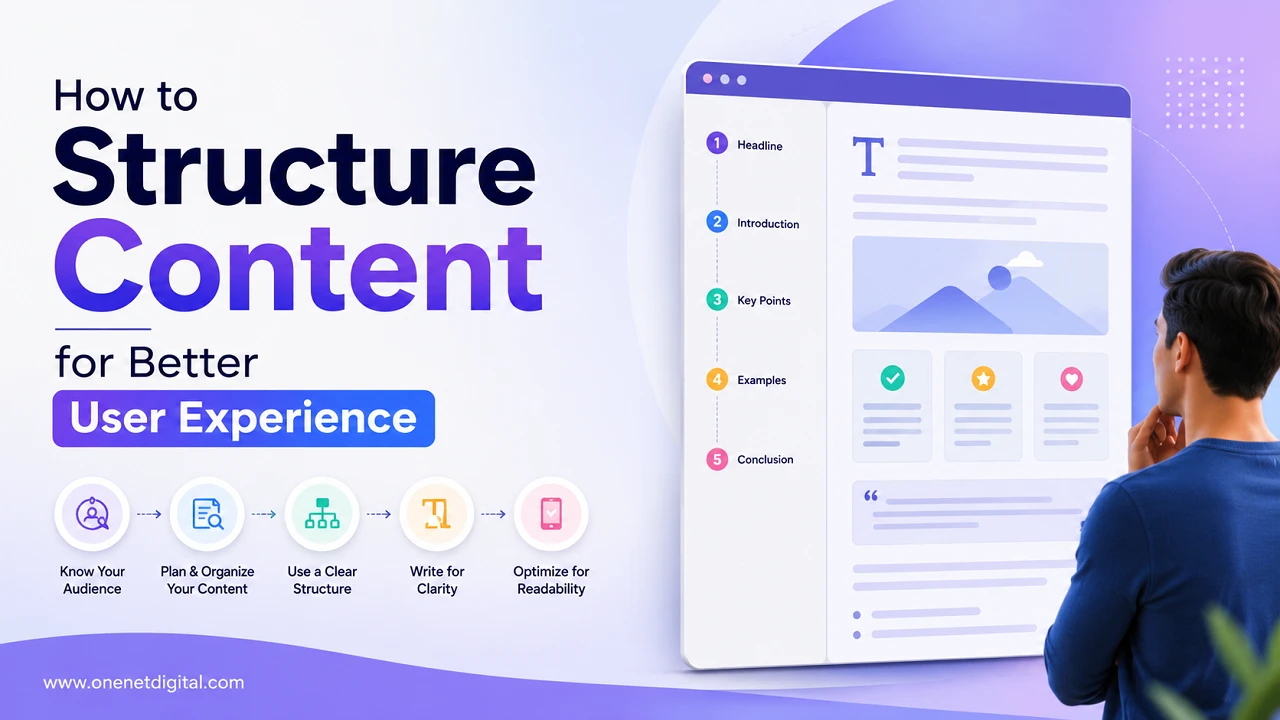
Good content is important but good structure of content is equally important. Well-written information can fail to capture readers if it looks messy, is difficult to scan, or is confusing to navigate. Today’s Internet users tend to skim content before deciding whether to read it in detail. A well-organized, clear structure will help your visitors find the information they need more quickly, and it will encourage them to stay on the page longer.
The structure of the content improves readability, user engagement and overall website experience. It also helps with search engine optimization (SEO) as search engines appreciate content that is easy to understand and well organized.
Why Content Structure Matters
Users have short attention spans and decide very quickly whether they want to stay on a page or leave. Content can be difficult to read and increase bounce rates with lots of chunks of text and bad formatting.
A good article structure helps readers quickly locate the information they need, grasp the main points easily and move through the subject matter without feeling overwhelmed. It also encourages the users to spend more time on the website.
Search engines use headings and content hierarchy to understand a page’s content. A better structure can help a site be read more easily, and can help with search ranking.
Start with a Clear Introduction
The introduction is the first thing that the readers see and should clearly explain what the article is about. Readers should understand immediately what the piece is about and what they can learn from it.
A good introduction explains what the content is for, answers the reader’s question and gets them to keep reading. Be informative, but don’t make it longer than it needs to be.
Also Read: How to Explain Complex Services in Simple Language
Use Proper Headings and Subheadings
Headings make content scannable & easy to understand. Most people skim the headings for a second but then read the entire article.
Use a proper hierarchy, such as H1 for the main title, H2 for major sections, and H3 for supporting topics. Headings should be simple and descriptive, clearly explaining what each section covers.
Keep Paragraphs Short and Readable
Long paragraphs can make content feel intimidating. Short paragraphs are easier to read and provide a cleaner look for the reader.
You should have one main idea per paragraph and keep the paragraphs to a few lines. This makes content easier to read on both desktop and mobile.
Use Bullet Points Only When Necessary
Use bullet points for listing steps, benefits, features, and key takeaways. However, too many bullet points can make the content feel repetitive.
Regular paragraphs often work better for explanations and storytelling. Paragraphs and lists usually provide the best reading experience in a balanced mix.
Add a Logical Flow of Information
Content should be in a natural order so that readers can flow easily from one section to another. Switching between subjects haphazardly can be confusing.
Simple structure is best: Introduce the topic, explain why it matters, give details, give examples, finish with a summary. Logical organization leads to reader interest.
Make Content Easy to Scan
Many people don’t read the content word for word. They skim it. They often read headings, highlighted text and key sections first.
Using clear headings, breaking content into smaller sections and adding enough white space can make articles easier to scan and improve user experience.
Also Read: How to Create Website Content People Actually Read
Write Simple and Direct Sentences
Simple language makes content easy to understand. Overly complex words and lengthy sentences can make the page more difficult to read and drive visitors away from the page.
Use short sentences, familiar words, and clear explanations. The aim is to make reading easy and help readers absorb information quickly.
Include Internal Linking Naturally
Internal links help users find related information on your site and improve the overall browsing experience.
All links must be relevant, descriptive, and naturally incorporated into the content. Good internal linking helps search engines understand the relationship between different pages.
Optimize for Mobile Readers
Mobile devices generate a large share of website traffic. What looks good on a desktop might be difficult to read on a smaller screen.
Short paragraphs, good spacing and avoiding large text blocks can greatly improve mobile readability and user engagement.
End with a Clear Conclusion
Finally, this article is summarized and the importance of the information presented is stressed.
Don’t add anything new. Summaries the main points and give a smooth ending. A good conclusion helps readers remember the information and gives them a better overall experience.
Also Read: How to Make Your Website More Search-Friendly
Final Thoughts
Content structure is one of the biggest contributors to a better user experience. Even good information can fall flat if it’s poorly organized or difficult to read. Use clear headings, short paragraphs, logical flow and simple language to make content more accessible, readable and engaging.
Good content helps users find information faster and it also benefits website performance, reader satisfaction and SEO. By helping businesses and content creators focus on readability and organization, they can create pages that are more readable and useful to their audience.
