
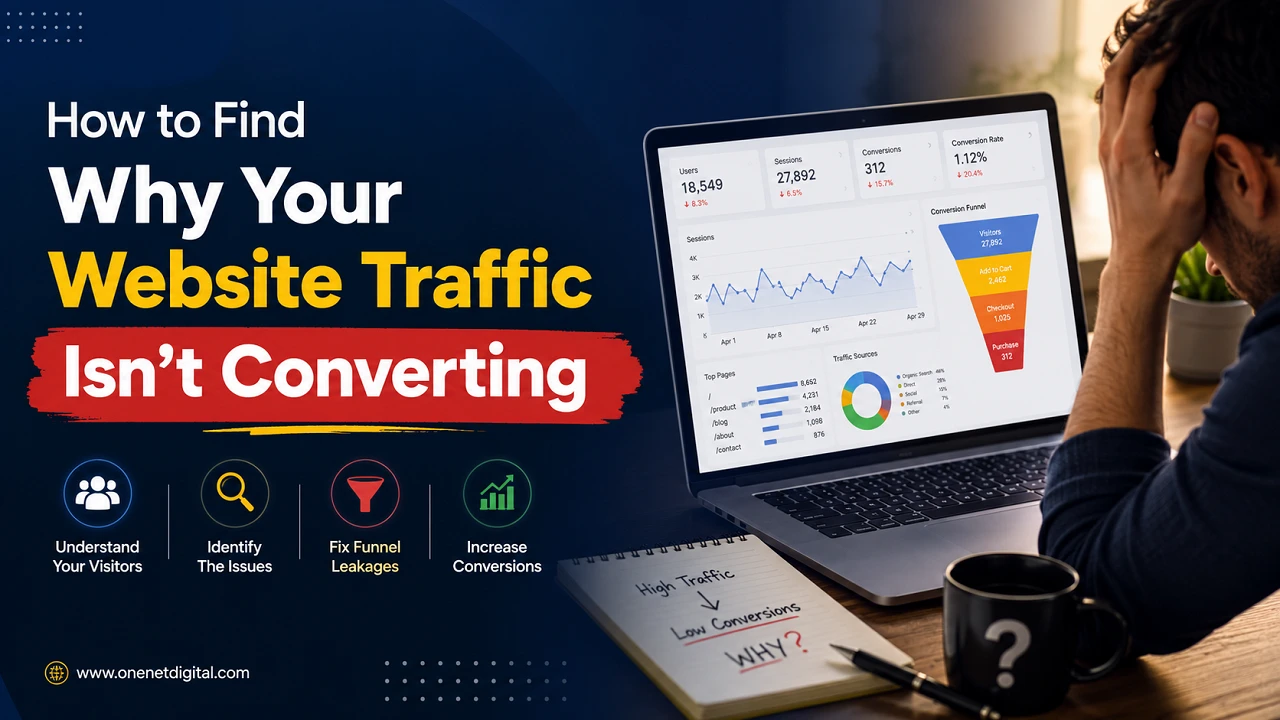
Introduction
But getting people to visit your site is only part of the battle. Getting traffic to your website is a key goal, but it doesn’t always translate into more enquiries, sales or sign-ups. This is a typical scenario for many businesses. Their website gets thousands of visitors but very few of them actually do something.
If your website is getting visitors but not results you need to find out why. The good news is, low conversion rates are often caused by issues that can be identified and improved over time.
In this guide, we’ll look at the most common reasons why website traffic doesn’t convert and how to practically identify these issues.
Analyze User Behavior
Focusing solely on the number of visitors to your website doesn’t tell the full story. To understand why your traffic isn’t converting, you need to understand what people are doing after they get there. Analytics tools tell you which pages are getting the most traffic, how long visitors are staying, where they’re clicking, which pages they’re leaving.
When visitors leave a page after only a few seconds, it may be because the content does not meet their expectations or because the page is difficult to navigate. On the other hand, pages with higher engagement times may be offering valuable information.
Spotting where users abandon the conversion funnel can expose hidden problems that might be missed in a regular review of the website. Knowing how visitors behave allows you to make educated improvements rather than guesses.
Review Your Landing Pages
Landing pages are often the first impression a visitor has of your website, which makes them one of the most important factors in improving conversions. All landing pages should clearly communicate what they’re about and how they can help the visitor. The headline should match what users were expecting to see when they clicked on a search result or ad.
Want to change your method of payment? Here’s how to update your credit card or bank account information. Your visitors should not have to search for important information or try to get an idea of what your services are.
A good user experience is the result of well-structured layouts, logical content sections and clear messaging. Even minor changes to a landing page can make a big difference in how likely visitors are to stay longer and do what you want them to do.
Also Read: How to Evaluate Your Website from a Customer’s Perspective
Check Whether Your Website Loads Quickly
Website loading speed is a major factor in user satisfaction and conversion rates. Today’s Internet users expect pages to load quickly and many will click away from a site if they experience needless delays. Websites that load slowly can cause visitors to bounce and be less engaged – even before they start reading your content.
There are several technical factors that can impact website performance, such as large images, poor quality hosting, excessive plugins, outdated code, and scripts running in the background that aren’t needed.
Regularly testing your speed helps you catch these issues before they start affecting your visitors. A faster website results in a smoother browsing experience, encourages users to visit more pages and increases the chances of converting visitors into customers or leads.
Make Sure Your Website Works Well on Mobile Devices
Today, most industries experience a significant amount of website traffic coming from mobile devices. If your site isn’t fully optimized for smartphones and tablets, you may lose many visitors before they can even act. Mobile users want websites to work well on smaller screens without zooming and scrolling too much.
Small text, buttons that are hard to tap, pages that load slowly, and broken layouts can all frustrate users and hurt conversions. A responsive website will change the way it looks depending on the screen size, so it always looks good no matter what kind of device you’re using.
Given that so many users are browsing, researching and even buying from their phones, it’s important to make sure your website is mobile-friendly to increase your conversion rates.
Evaluate Your Calls-to-Action (CTAs)
Short calls-to-action (or CTAs) that tell visitors what you’d like them to do next. If you don’t give clear instructions, users may just browse your website and leave without any further engagement. Effective CTAs are clear and direct with language such as “Contact Us,” “Request a Quote,” “Book an Appointment,” or “Learn More.” They need to be easy to find, but not so many competing options that they overwhelm visitors.
When there are multiple buttons competing for attention on the same page, users may get confused and opt out of clicking any of them. A clear CTA, well-placed, helps visitors know what to do next and can greatly increase conversion rates by making it easier to decide.
Check Whether Your Content Matches User Intent
One common reason for website traffic not converting is the content not matching what the visitor expected. Every search query has an intent. Typically, a person looking for education is looking to learn, but a person looking for specific services might be thinking about buying. If your content doesn’t satisfy the visitor’s needs or answer questions other than what they anticipated, they’re more likely to leave without converting.
Quality content should provide useful information, answer relevant questions and helpfully lead users to the next step in their journey. By aligning your content with user intent, you increase the likelihood of user satisfaction and conversions.
Also Read: How to Spot Trust Issues Before Visitors Leave
Build Trust Throughout the Website
Visitors are 2 to 3X more likely to convert when they trust your website. Trust is based on professional design, on the right information, on transparency. You can include customer testimonials, clear contact details, service descriptions, frequently asked questions and a privacy policy to help visitors feel more confident that your business is legitimate.
A secure HTTPS connection also gives you confidence that your personal information is safe. Trust is particularly important when users are asked to give contact details or to buy things online. Even small trust-building elements can ease hesitation and encourage visitors to move forward with more confidence.
Simplify Contact Forms
Contact forms are usually the last step before a visitor turns into a lead, but unnecessarily long forms can discourage them from finishing the process. Getting too much information at the beginning can seem time-consuming or intrusive. Instead, collect only the information that is essential for responding to the inquiry. A basic name, email address, phone number if needed and short message is usually sufficient for initial communication. A shorter, simpler form reduces friction, saves visitors time, and often produces higher completion rates.
Monitor Your Bounce Rate Carefully
Your bounce rate is the percentage of visitors that leave your website after viewing just one page. A high bounce rate doesn’t always mean there’s a problem, but sometimes it can mean there’s a problem worth investigating. Visitors may leave quickly if the site loads slowly, has irrelevant traffic, weak content, confusing navigation, or misleading search results.
Bounce rates, when looked at together with other website metrics, give a clearer insight into how visitors behave. If there are pages that are consistently showing unusually high bounce rates, those pages may need to be updated to improve content quality, usability, or relevance.
Test Different Versions of Important Pages
Minor changes, not full website redesigns, help to improve conversion rates. By testing different versions of key pages, you’ll find out what works best for your audience. You can try out different headlines, button text, images, layouts, form designs, or placement of call-to-action. You can accurately measure the impact it has on visitor behaviour by changing one element at a time. Little enhancements over time can make a big difference in your conversions, and help you learn more about what your audience prefers.
Use Analytics to Identify Drop-Off Points
Website analytics tools provide useful insights into how visitors engage with your website. Instead of guessing, analytics will tell you exactly where your users are dropping off in the conversion process. You will see that some pages get a lot of traffic but very few enquiries, or that some traffic sources rarely convert. Analytics can also show differences in user behaviour on desktop and mobile devices. These trends can help you focus your efforts on areas that need improvement, therefore allowing you to optimize your website more efficiently and with data.
Also Read: How to Know If Your Website is Losing You Customers
Don’t Focus Only on Increasing Traffic
Many companies believe more website traffic equals more conversions, but this is not always the case. More visitors to your website are of no value unless those visitors are genuinely interested in what you have to offer. More targeted traffic is more likely to convert than large volumes of unrelated visitors.
Many times, the best way to bring in traffic is to improve the user experience, create relevant content, and optimize important pages rather than just trying to bring in more traffic. Speaking to the right audience is usually more effective for a website than just getting lots of visitors.
Review Your Website Regularly
A website is never a finished product. Because technology, search behaviour and customer expectations are always changing, regular website reviews are a must to keep your performance high. Conduct regular audits of your website to check for outdated content, broken links, technical issues, design inconsistencies, and missing information that may harm the user experience.
Maintenance also ensures that your website continues to meet the latest SEO best practices and visitor expectations. You can create a website that will constantly offer better engagement and the potential for higher conversion over time by constantly improving, rather than waiting for major issues to come up.
Conclusion
Low website conversions aren’t always a sign that your marketing is failing. Often visitors are interested but find barriers in taking the next step.
Check your traffic sources, user behavior, page speed, mobile usability, content quality, calls-to-action and trust signals to get a better handle on why visitors aren’t converting.
Instead of trying to make sweeping changes at once, focus on finding one problem at a time, measure the results, and always strive to improve the user experience. Small, consistent improvements can slowly add up to more conversions and a better performing website over time.
FAQs
1. What does website conversion mean?
A website conversion is any valuable action a visitor takes on your website. This could include making a purchase, filling out a contact form, booking a consultation, signing up for a newsletter, downloading a resource, or creating an account. The exact conversion depends on your business goals.
2. Why is my website getting traffic but no conversions?
There are many possible reasons, including attracting the wrong audience, slow website speed, poor landing pages, weak calls-to-action, confusing navigation, or content that doesn’t match user intent. Analyzing visitor behavior can help identify the main issue.
3. How can I find out where my website traffic comes from?
You can use website analytics tools to see whether your visitors come from organic search, social media, paid advertising, referral websites, or direct visits. Understanding your traffic sources helps you determine which channels are bringing visitors who are more likely to convert.
4. Why are landing pages important for conversions?
Landing pages are often the first page’s visitors see after clicking a search result or advertisement. A well-designed landing page with clear information, relevant content, and a strong call-to-action can encourage visitors to stay longer and complete your desired action.
5. Does website speed affect conversion rates?
Yes. Slow-loading websites can frustrate visitors and increase bounce rates. If pages take too long to load, users may leave before interacting with your content, reducing the chances of generating leads or sales.
