
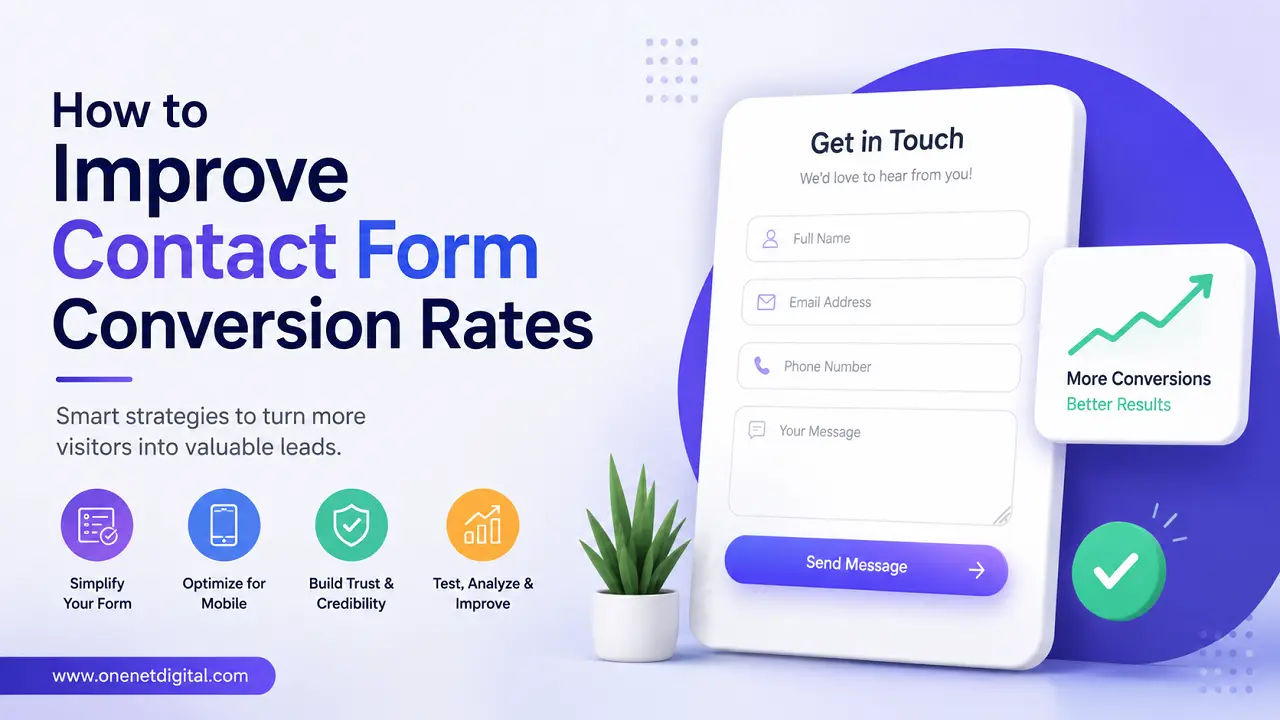
A contact form is one of the most important elements of any business website. Whether it’s to ask a question, get a quote, book a consultation, or find out more about a product or service, the contact form is often the last thing a prospective customer sees before reaching out.
However, many websites have low contact form conversion rates. Visitors can visit the site, read a couple of pages, and then leave without filling out the form. Improving contact form conversions can help companies generate more leads without having to increase web traffic.
In this guide, we will discuss some practical ways to optimize your contact forms and get more visitors to take an action.
Why Contact Form Conversion Rates Matter
A contact form conversion means a visitor filled out and submitted a form. Conversion rate is normally computed by dividing the number of form submissions by the number of visitors who saw the form.
For example, if 100 people visit a contact page and 5 of them fill the form, then the conversion rate is 5%.
A higher conversion rate means more chances to reach potential customers, generate leads and grow business from existing website traffic.
Keep the Form Simple
Visitors may be discouraged from finishing long, complex forms. More fields mean more work, and that can increase abandonment rates. For many businesses, just the basics like name, email address, phone number, and a message is often enough to begin a conversation.
Place Contact Forms Strategically
Many sites only show contact forms on a dedicated contact page. However, adding forms to service pages, landing pages, blog posts, pricing pages and sections of your homepage can help increase visibility and generate more enquiries from interested visitors.
Also Read: How to Generate More Leads from Existing Website Traffic
Use Clear and Relevant Call-to-Action Buttons
The submit button should make it clear to visitors what will happen when they click it. Buttons that say “Get a Free Quote” or “Request Information” are generally more descriptive than just “Submit.”
Build Trust Around the Form
The visitors could be reluctant to share their information online. Including trust signals such as privacy statements, customer reviews, certifications, and business contact info can help alleviate concerns and increase form submissions.
Optimize for Mobile Users
There’s a huge percentage of web traffic coming from mobile devices. Offer a contact form that is simple to fill out for users on smaller screens. Use large input fields, tap-friendly buttons and ensure fast loading times to improve the user experience.
Reduce Form Errors
Confusing error messages annoy visitors and cause them to abandon submissions. Making the form completion process much smoother can be achieved by clearly marking required fields and offering simple, real-time validation.
Improve Page Loading Speed
Slow loading pages can have a negative impact on contact form conversions. Reducing the size of images, reducing extraneous scripts, and improving website performance can help keep visitors engaged until they fill out the form.
Also Read: How to Improve User Experience Without Hiring a Designer
Offer Multiple Contact Options
Not every visitor wants to fill out a contact form. By providing alternatives like phone numbers, email addresses, live chat or messaging apps, users have another communication option that is most convenient for them.
Create a Strong Contact Page
An effective contact page should be more than just a form. By adding business information, office locations, business hours, FAQs and contact details you can help visitors feel more confident about reaching out.
Use Confirmation Messages
Visitors should receive immediate confirmation that their message has been received after a form submission. Thank you messages can include details on what happens next and an estimated response time.
Test Different Form Variations
Minor adjustments can significantly impact conversion rates. Try different form lengths, button copy, headlines, layouts, and field requirements to see which version performs best.
Analyze Visitor Behavior
Analytics on the website can reveal where visitors have difficulty when dealing with contact forms. Use metrics like abandonment rates, bounce rates and user behaviour to find opportunities for improvement.
Write Clear Headlines Above the Form
The headline above a contact form needs to inspire action and explain what the form is for. Focus on messages that highlight the benefit of reaching out to your business, rather than a generic header.
Also Read: How to Audit Your Website Like a First-Time Visitor
Follow Up Quickly
Improving contact form conversions is important, but so is responding quickly.
A prompt response can help keep a visitor engaged and increase the chances of converting an inquiry into a meaningful business conversation.
Automated email confirmations and streamlined lead management processes can help ensure that enquiries are handled in a timely fashion.
Conclusion
Boosting contact form conversion rates doesn’t always require major website changes. Small tweaks can make a big difference in many cases. Things like simplifying form fields, improving mobile usability, increasing page speed and building trust can help.
Businesses that regularly review form performance, test improvements, and prioritise the user experience are often in a better position to convert more of their existing website traffic into leads.
A website that makes it easy and comfortable for visitors to get in touch can turn more of those interested users into valuable leads and potential customers.
Frequently Asked Questions (FAQs)
1. What is a contact form conversion rate?
A contact form conversion rate is the percentage of visitors who successfully submit a contact form compared to the total number of visitors who view it.
2. Why do visitors abandon contact forms?
Visitors often abandon forms when they are too long, require excessive information, load slowly, or contain confusing error messages.
3. How many fields should a contact form have?
A contact form should include only the essential fields needed to start a conversation. In many cases, a name, email address, phone number, and message field are sufficient.
4. Where should contact forms be placed on a website?
Contact forms can be placed on service pages, landing pages, product pages, blog posts, pricing pages, and the contact page to increase visibility and conversions.
5. How can I make my contact form more user-friendly?
You can improve usability by simplifying the form, optimizing it for mobile devices, reducing errors, and using clear call-to-action buttons.