
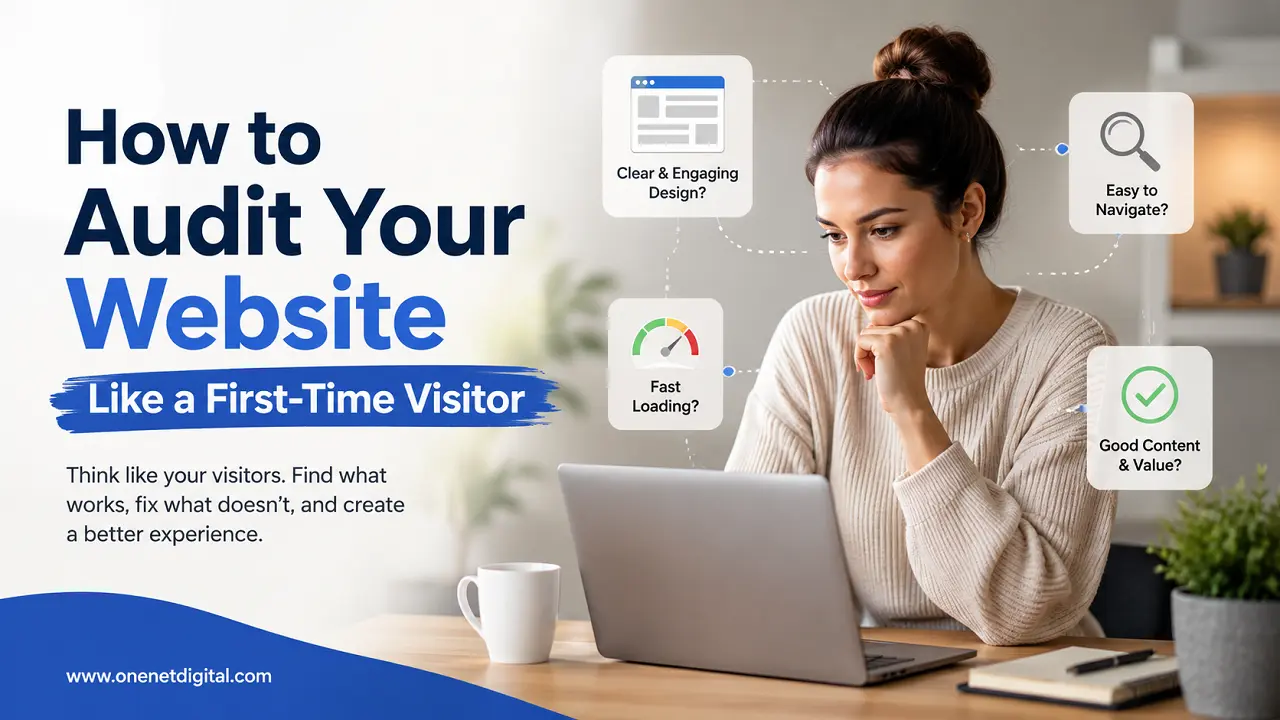
No matter how much time and effort goes into the building of a website, it is easy for website owners to overlook issues that may be obvious to new visitors. When you know your own website well, navigation, content, and design can seem obvious, even though first-time users may have trouble finding information or taking desired actions.
The best way to identify usability issues is to conduct a website audit with a first-time visitor’s perspective. This will help improve the user experience and increase the chances of visitor retention. The first impression a visitor gets is what determines if he or she will continue to explore the website or leave it within seconds.
This guide will help you take a look at your website as if you were a new visitor and find places that might need some tweaking.
Why First-Time Visitor Audits Matter
When someone visits a website for the first time, they normally have a purpose. They want to hear about a business, look for information, compare services, read content or purchase something.
Confusion, slow loading pages, poor navigation or unclear messaging may send visitors packing before they do anything.
A first-time visitor audit can assist:
• Improve the overall user experience
• Boost engagement and page views
• Lower bounce rate
• Identify problems with navigation
• Increase conversion opportunities
• Increase website credibility and trust
Regular audits ensure that websites are user-friendly and meet visitors’ expectations.
Start with the Homepage
The homepage is usually the first page that your visitors will see when they arrive at your website. Your website visitors should know what your website is about, who it’s for and what to do next – all within seconds.
Take a close look at your homepage and ask yourself, is the main message immediately visible? Visitors should be able to clearly identify your products, services or content, and not be confused.
Also check if important information is easy to find. Keep designs clean with not too many images, banners or calls to actions that may divert users from the main message.
Also Read: Tips to Make Website Readability Better for More Engagement
Evaluate Website Navigation
Navigation is one of the most essential parts of the user experience. New users should find your website easy to navigate and be able to find what they need.
Try to look at your Web site as if you’ve never seen it before. Look for important pages like About Us, Services, Products, Blog, Contact and Support sections.
Check how easy it is to find the menu and if the navigation labels are easy to understand. An easy and orderly navigation structure allows visitors to browse the website without frustration.
Check Mobile User Experience
Today, many users visit web sites using smartphones and tablets. A site that looks great on desktop may not translate well to smaller screens.
Test your website on various devices and screen sizes. Buttons are easy to tap, the navigation is smooth, and the text is easy to read.
Images should be responsive to different screen sizes and users should not have to zoom in or scroll too much to get the information.
Review Website Loading Speed
The speed of the website is a big factor for visitor satisfaction. Pages that take too long to load can make users leave without ever seeing the content.
As part of your audit, examine the load speed of the homepage and important internal pages. Large images, unnecessary scripts and excessive design elements can often slow down performance.
A faster site equals a better user experience, and visitors will stay longer to explore your content.
Examine Content Clarity
Website contents must be easy for first time visitors to understand. If users don’t understand what you’re saying, they may leave without doing anything.
Read your content as objectively as possible. Is the language simple, clear and easy to scan? Use descriptive headings, short paragraphs and bullet points where appropriate.
Steer clear of technical jargon or industry buzzwords when a straightforward explanation can convey the same message just as effectively.
Also Read: How to Identify Conversion Problems on Your Website
Test Calls to Action
Actionable calls direct your visitors to the next step on your site. This can be calling your business, signing up for a newsletter, reading more content or even buying something.
Make sure your calls to action are obvious and well-articulated. Visitors should be able to instantly tell what the next step for them is.
An effective call to action can increase engagement and facilitate the user’s journey more smoothly.
Look for Trust Signals
A visitor’s feeling about a website is affected a lot by trust. New users are always looking for signs of a legitimate and reliable website.
Have clear contact information, privacy policies, customer reviews and testimonials, and security indicators on your website.
Having a professional look and visible trust signals will make your visitors feel more comfortable interacting with your website.
Analyze Internal Linking
Internal links help visitors find related pages and keep exploring your website.
Review important pages for relevant links to other important pages. Blog posts should, whenever possible, link readers to related content that can help them.
Good internal linking improves website usability and helps visitors find more information without having to search for it unnecessarily.
Check for Broken Elements
Broken links, missing images and non-working buttons can make a bad impression, fast.
Make sure to test key website functionality in your audit and confirm that all links, forms, and interactive features are functioning properly.
Even small technical problems can impact user confidence and reduce the overall quality of the website.
Also Read: How to Identify Why People Leave Your Website
Observe User Journeys
One useful auditing technique is to perform common visitor tasks yourself. See if you can find some contact info, read a blog post, learn about a service, or sign up for a newsletter.
Note both the number of steps needed and any confusion.
A seamless user experience allows visitors to achieve their goals quickly and improves the overall experience of the website.
Gather External Feedback
Website owners can become too close to their websites and miss usability issues.
Invite friends, colleagues, customers or team members to browse the site and give you honest feedback. Their initial observations can highlight problems that might be missed otherwise.
Feedback from the outside world is a valuable source of insight and can help you identify areas for improvement from the perspective of a real visitor.
Conclusion
Auditing your website as if you are a first-time visitor is one of the best ways to spot usability problems and improve the overall user experience. Website owners can gain a better understanding of how new visitors interact with their site by analyzing navigation, content clarity, loading speed, mobile performance, trust signals and user journeys.
Website audits conducted regularly create a seamless experience, longer stays, and better engagement over time. Viewing your website as if you’ve never seen it before can uncover valuable insights that lead to substantial improvements.
Frequently Asked Questions (FAQs)
1. What does it mean to audit a website like a first-time visitor?
It means reviewing your website from the perspective of someone who has never visited it before. This helps identify usability issues, navigation problems, and areas that may confuse new users.
2. Why is the homepage important during a website audit?
The homepage often creates the first impression. It should clearly explain what the website offers, who it serves, and what visitors should do next.
3. How can I check if my website navigation is user-friendly?
Try finding important pages such as Services, About Us, Contact, or Blog without using search. If information is difficult to locate, your navigation may need improvement.
4. Why should I review my website on mobile devices?
Many users browse websites on smartphones and tablets. A mobile-friendly website improves usability, engagement, and overall visitor satisfaction.
5. How does website speed affect user experience?
Slow-loading pages can cause visitors to leave before viewing your content. Faster websites generally provide a better experience and encourage users to explore more pages.