
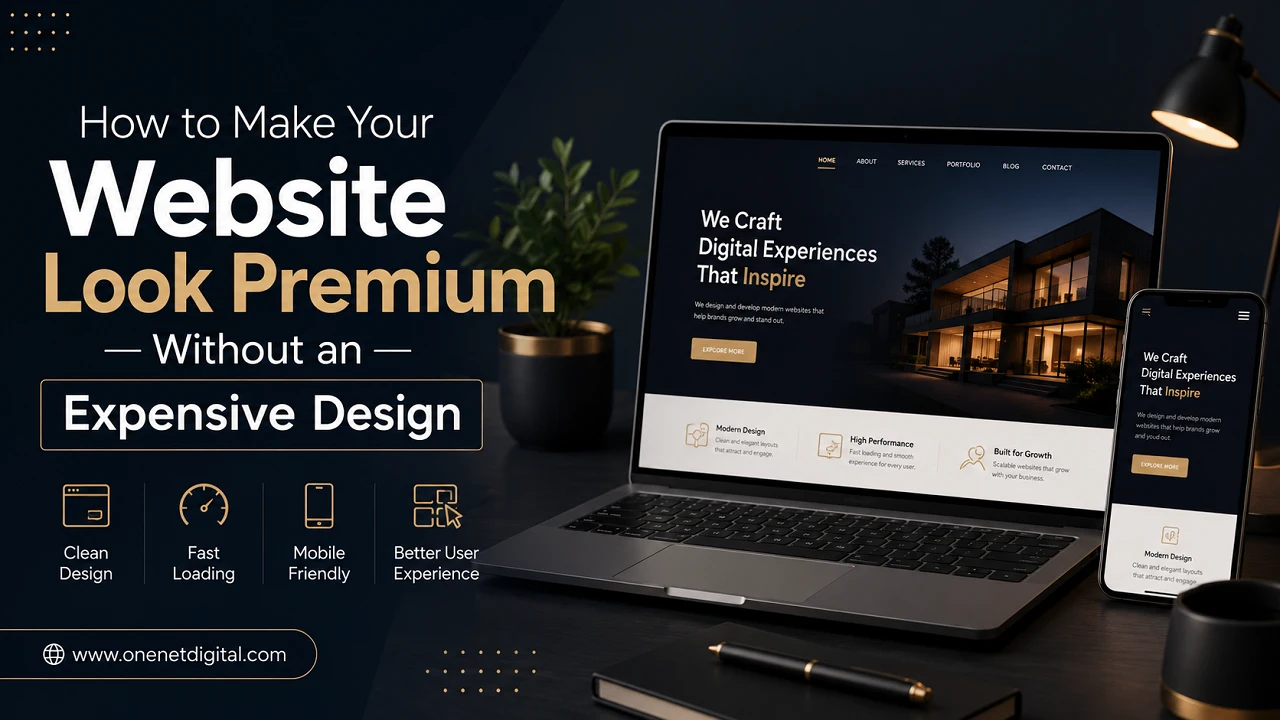
It’s not always necessary to have a large budget or hire a high-end design firm to create a website that looks great. Instead of employing excessively complex layouts or pricey features, many contemporary websites that seem tidy, polished, and reliable actually adhere to a few basic design principles.
For local brands, bloggers, startups, and small businesses, building a polished website is more about making wise choices than investing a lot of money. A website that is well-organized, loads quickly, and is simple to use can make a bigger impression than one that is ostentatious and full of superfluous effects.
These are some best strategies to give your website a high-end appearance without going over budget on design.
Keep the Layout Clean and Simple
Too many banners, colors, animations, and text sections on a single page make many websites appear cluttered. Visitors may become confused, and the website may appear dated as a result. A clear layout enhances the overall browsing experience and aids users in concentrating on crucial information.
Clear headings, well-organized sections, appropriate spacing, and easy navigation are typical features of high-end websites. Because they produce a seamless and user-friendly experience, minimalist designs frequently appear more contemporary and polished.
Use High-Quality Fonts
Fonts are crucial to a website’s professional appearance. The design may appear disorganized and inconsistent if there are too many different font styles used. For a polished look, modern websites typically only use one or two simple fonts.
Because they are simple to read and aesthetically pleasing, fonts like Poppins, Inter, Roboto, Open Sans, and Montserrat are widely used. Clear headings, readable text sizes, and appropriate spacing all enhance user experience and website design.
Also Read: Why Your Website is Not Showing on Google Search
Choose a Professional Color Palette
A website can appear more upscale and reliable with a well-balanced color scheme. Websites that use an excessive number of vivid or arbitrary colors frequently look amateurish and are challenging to navigate.
One primary brand color, one supporting color, and neutral hues like white, grey, or black are used on the majority of high-end websites. A cleaner, more contemporary look can be achieved by using consistent colors for buttons, banners, and headings.
Improve Website Speed
SEO and user experience both depend on a website’s speed. If a website loads slowly, it may seem low quality even though it is visually appealing. Websites that take too long to load are typically abandoned by visitors.
Loading speed can be increased by making small changes like reducing heavy animations, utilizing optimized themes, removing superfluous plugins, and compressing images. A website that loads quickly feels more seamless and polished.
Use Better Images
A website may appear out of date if its images are of poor quality or are blurry. High-quality, aesthetically pleasing photos enhance the website’s overall look and give it a more contemporary feel.
Additionally, branding is enhanced when original images and consistent image styles are used. Without requiring costly design work, large, polished banner images can create a premium feel.
Also Read: How to Optimize Images for Faster Website Speed and Better SEO
Focus on Mobile-Friendly Design
Nowadays, the majority of people use mobile devices to visit websites, so responsive design is crucial. Visitors may quickly abandon a website if it does not function properly on smartphones.
Readable text, touch-friendly buttons, correctly aligned sections, and quick loading times are all essential components of a mobile-friendly website. Search engine rankings and usability are both enhanced by responsive design.
Create Clear Call-to-Action Sections
Expert websites direct users to specific actions, such as contacting the company, reading a blog, or completing a form. Call-to-action buttons that are straightforward and easy to see, like “Contact Us,” “Get Started,” or “Learn More,” enhance user experience, website flow, and overall engagement.
Reduce Unnecessary Content
Many websites overcrowd the homepage with lengthy text, banners, and excessive content, which can be confusing to users. Shorter paragraphs, distinct headings, bullet points, and well-divided sections are all used on high-end websites to keep content tidy and well-organized. This makes it easier to read, enhances the user experience, and keeps visitors interested for longer.
Also Read: How to Reduce Bounce Rate and Keep Visitors on Your Website
Final Thoughts
Expensive custom design work is not always necessary to make a website appear premium. Small adjustments to layout, typography, speed, spacing, and consistency can often drastically change a website’s overall look.
Websites that are straightforward, quick, and easy to use frequently outperform those with extremely complex designs. Without investing a lot of money in design services, businesses can establish a strong online presence by emphasizing clear graphics, mobile responsiveness, and simple navigation.
A well-organized website increases engagement, fosters trust, and gives users greater confidence in the brand. Any website can look more upscale and professional by adhering to the fundamentals of modern design and maintaining a straightforward user interface.
FAQs
1. Can a website look professional without spending a lot of money?
Yes, a website can look premium without a huge budget. Clean layouts, proper spacing, quality fonts, fast loading speed, and mobile-friendly design can greatly improve website appearance without expensive custom design work.
2. Why is website speed important for design quality?
Slow websites often create a poor user experience. Fast-loading websites feel smoother, more professional, and help visitors stay longer. Website speed also supports better SEO performance.
3. How many colors should a website use?
Most modern websites use a limited color palette with one primary color, one secondary color, and neutral shades like white, gray, or black. Too many colors can make a website look cluttered.
4. Does mobile-friendly design really matter?
Yes, a mobile-friendly design is very important because most users browse websites on smartphones. A responsive website improves user experience and helps with search engine rankings.
5. Can free images improve website design?
Yes, high-quality free stock images can improve the visual appearance of a website. Clear and consistent images help websites look more professional and trustworthy.