
Introduction
One of the most frequent questions when creating content for a website is whether to add a topic to an existing page or publish it as a separate page. Choosing the right one is important as it affects user satisfaction, website organization, and search engine optimization (SEO).
Some sites create a new page for every slight variation of a topic while others squeeze too much info onto a single page. Both of these approaches can make it difficult for visitors to find what they need and may reduce the effectiveness of your content.
Knowing when to give a topic its own page can help you create a site that is easy to navigate, helpful for readers, and well-structured for search engines.
Why Page Structure Matters
Your website’s pages should each have a clear purpose and should not be trying to combine several unrelated topics. When a page has one, primary focus, visitors can quickly understand the purpose of the content and easily find the information they need. This makes the reading experience more enjoyable and encourages users to stay on your website longer.
A clear page structure also makes it easier for search engines to understand your content. It’s often better to have focused pages that answer specific questions, rather than trying to rank one page for dozens of different topics. A well-organized site is easier to navigate, reduces duplicate content, improves internal linking and helps users and search engines discover valuable information. The aim should always be to create pages that actually help the reader, not just to increase the number of pages on your site.
Consider the Search Intent
Understanding the search intent is one of the best ways to determine if a topic merits its own page. Search intent is what a user is searching for and what kind of information they are looking for. If a searcher looking for a particular keyword is looking for content that is very different than what you currently have, creating a new page may be the better way to go.
For example, someone searching “Website Speed Optimization” is likely looking for ways to make websites load faster. Whereas someone searching “Core Web Vitals” wants to learn about Google’s metrics for performance and how they impact rankings. While these topics are related, they answer different questions and provide different value. If the topic is specific to a particular user need it will often have its own page.
Check Whether the Topic Can Stand Alone
Before creating a new page, ask yourself if the topic is big enough to warrant its own explanation. A separate page should provide full and meaningful information and not be a short extension of another article. If the subject can be tackled with detailed explanations, examples, practical guidance and useful insights, it is usually strong enough to stand on its own.
If the information is just a brief paragraph or would logically be part of a larger discussion, it is usually better to insert it into an existing page. This helps to keep your website organized and not have unnecessary pages that have little value.
Also Read: How to Balance SEO and User Experience in Website Content
Avoid Creating Thin Content
A common mistake is to publish pages with a little useful information on ’em. Thin content is usually of little value to users, and can have a hard time ranking well in search results because it doesn’t fully answer users’ questions. Search engines also like to rank pages that cover a topic in more depth instead of just the basics.
Before you start creating a new page, make sure you can provide clear explanations, relevant examples, practical advice, helpful headings and additional information such as frequently asked questions, if appropriate. It is better to develop an existing page if it has not enough meaningful content rather than to publish a separate page with very little information.
Think About User Experience
Make it as easy as possible for visitors to find answers on your site. Creating too many separate pages for closely related subtopics interrupts the reading experience because users have to keep clicking between pages to understand a single subject. This can be frustrating, especially when the info could have been presented together.
But there are times when breaking content across multiple pages actually makes it easier to use. If a guide gets very long and begins to cover multiple independent topics, breaking those out into dedicated pages can make the content easier to read and navigate. It should always be a decision based on improving the user’s experience, not one based on increasing the number of pages indexed.
Identify Unique Keywords
Keyword research can also help you determine whether a topic deserves a page of its own. If a keyword has its own search demand and is a different subject, dedicated content built around it can help users find exactly what they’re looking for.
For example, some of the topics such as “Technical SEO Checklist”, “XML Sitemap Guide”, “Robots.txt Explained”, and “Canonical Tags Guide” are technical SEO topics but each one talks about a different concept. Readers searching for those keywords typically want to read in-depth information on that subject. At the same time, avoid creating separate pages for keywords that have nearly identical meanings, as they can often be covered naturally within one comprehensive article.
Look at the Depth of Information
Some topics are broad enough that they naturally include several detailed subtopics. Trying to explain everything on a single page can make the content overwhelming and difficult to navigate. In these situations, it is often more effective to create a main guide that introduces the overall subject and then publish separate pages that explore important subtopics in greater detail.
For example, a broad topic like content marketing may include strategy, content creation, promotion, analytics, and optimization. Organizing this information into multiple connected pages allows readers to explore each area more thoroughly while maintaining a logical content structure through internal links.
Also Read: How to Remove Unnecessary Content from Your Website
Avoid Keyword Cannibalization
Creating multiple pages that target nearly identical keywords can lead to keyword cannibalization, where your own pages compete against each other in search results. Instead of improving your visibility, this can make it more difficult for search engines to determine which page should rank for a particular query.
For example, publishing separate articles titled “Beginner SEO Guide,” “SEO Guide for Beginners,” and “SEO Basics for Beginners” may create unnecessary overlap because all three pages target essentially the same search intent. In most cases, combining similar topics into one comprehensive resource creates stronger and more valuable content for both users and search engines.
Use Internal Linking to Connect Related Pages
When a topic genuinely deserves its own page, internal linking becomes an important part of your content strategy. Connecting related articles helps readers continue exploring relevant information without having to search for it themselves. It also helps search engines understand how different pages on your website are connected.
For example, an article about website performance can naturally link to separate pages covering image optimization, browser caching, mobile optimization, or Core Web Vitals. This creates a logical website structure while improving content discovery and supporting a better overall user experience.
Monitor Performance Over Time
Not every decision has to be permanent. As your website grows, some articles may naturally become large enough to split into multiple focused pages. Reviewing content performance regularly helps you understand whether your current page structure continues to meet user needs.
Website analytics can reveal valuable insights by showing organic traffic, user engagement, time spent on pages, search queries, and visitor behavior. If users consistently search for specific sections within a larger guide, that may indicate those topics deserve dedicated pages of their own.
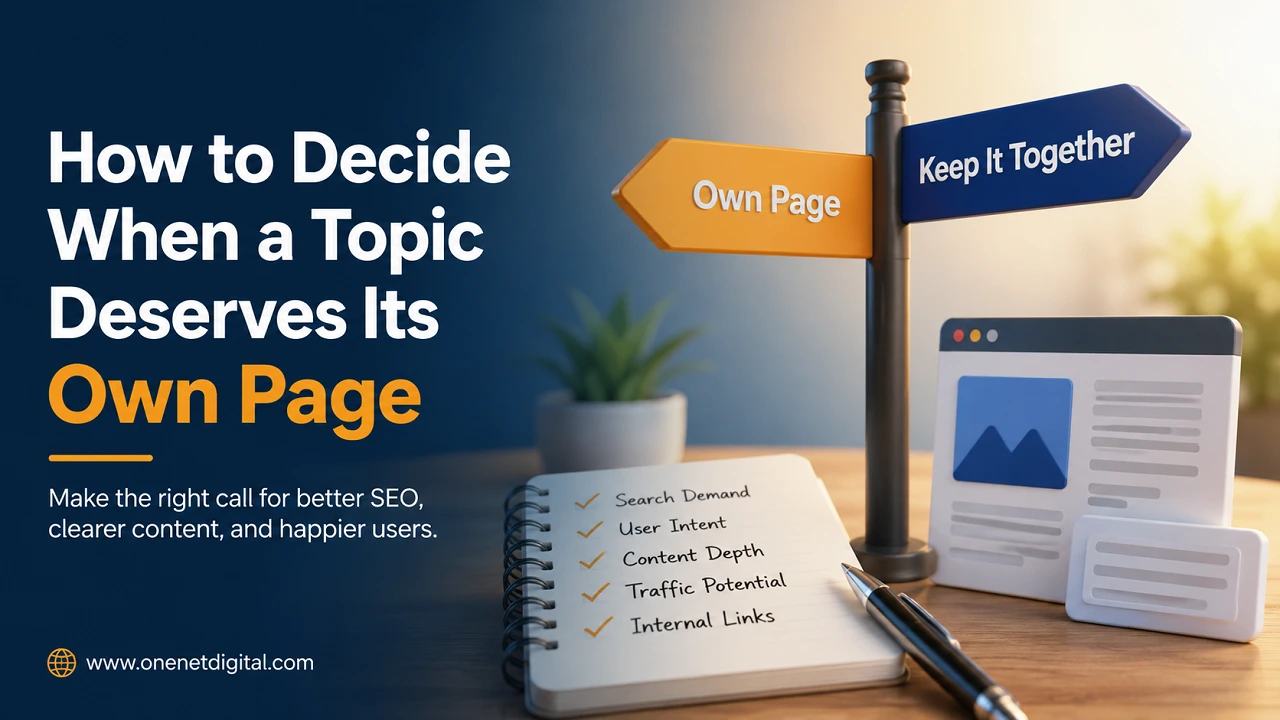
Questions to Ask Before Creating a New Page
Before publishing a new page, take a moment to evaluate whether it will provide genuine value to your audience. Consider whether the topic answers a unique question, has a different search intent from your existing content, and offers enough information to create a comprehensive resource.
You should also think about whether the new page improves the user experience, avoids duplicating existing content, and fits naturally within your website’s overall structure. If the answer to most of these questions is yes, the topic is likely strong enough to justify having its own dedicated page.
Also Read: How to Make Technical Topics Easy for Customers to Understand
Conclusion
Deciding whether a topic deserves its own page is about providing the right amount of information in the right place. Instead of creating pages simply to target more keywords, focus on organizing your content around the needs of your audience.
A dedicated page works best when the topic has unique search intent, enough depth to provide valuable information, and a clear purpose within your website. At the same time, combining closely related subjects helps prevent duplicate content and keeps your website easier to navigate.
By carefully evaluating each topic before publishing, you can build a well-structured website that benefits both readers and search engines over the long term.
FAQs
1. How do I know if a topic deserves its own page?
A topic deserves its own page if it has a unique search intent, enough information to create valuable content, and answers a specific question that isn’t fully covered on another page.
2. What is search intent in SEO?
Search intent is the purpose behind a user’s search query. It helps determine what type of content users expect to find, making it an important factor when deciding whether to create a separate page.
3. Should I create a new page for every keyword?
No. Many related keywords can be naturally targeted within a single comprehensive page. Creating separate pages for very similar keywords can lead to duplicate content and keyword cannibalization.
4. What is thin content?
Thin content refers to pages that provide very little useful information or fail to answer a topic in sufficient detail. Such pages may offer a poor user experience and are less likely to perform well in search results.
5. Why is page structure important for SEO?
A clear page structure helps search engines understand your website, improves navigation, strengthens internal linking, reduces content overlap, and makes it easier for visitors to find relevant information.
