
Introduction
These days, creating content for your website is so much more than just keywords or long pieces of writing. Search engines have gotten smarter and are now looking at content that actually helps users. At the same time, visitors want to see websites with clear information, easy navigation and a pleasant reading experience.
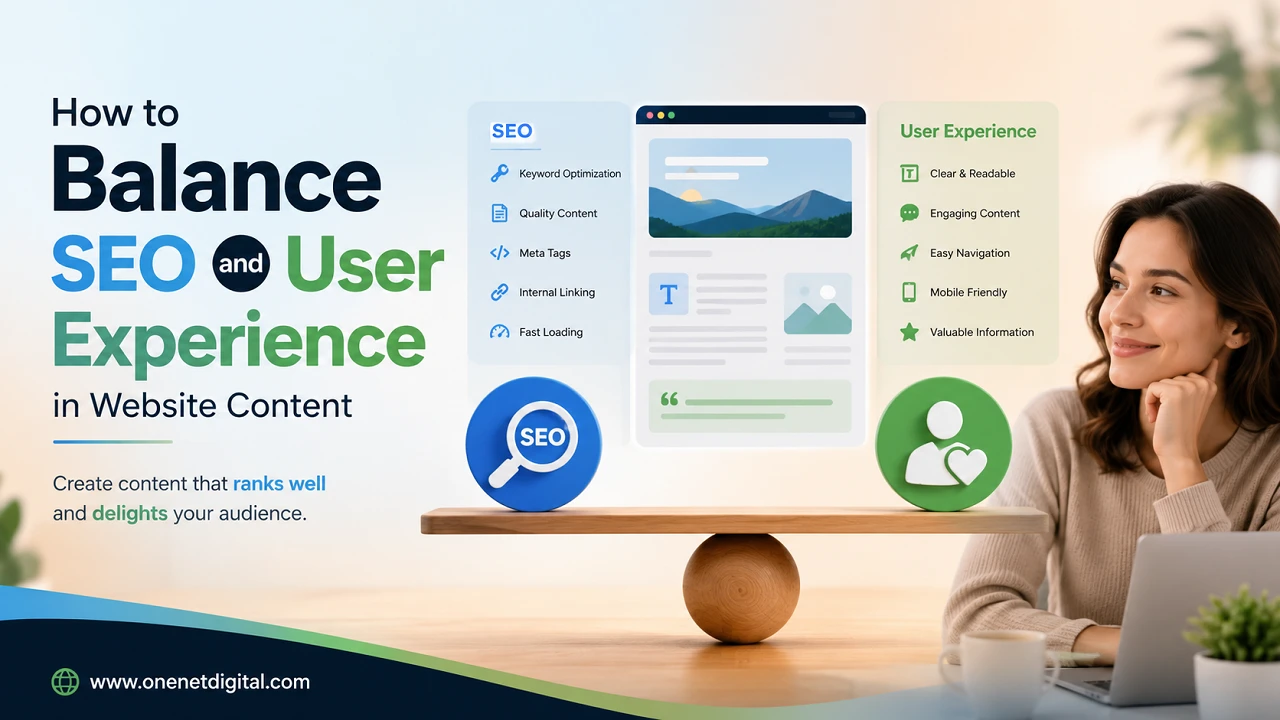
Finding the balance between SEO and user experience (UX) is one of the most crucial aspects of modern content marketing. If your content is liked by the readers and the search engines, it can rank well and also keep the visitors engaged.
This guide will show you how to create content that ranks well in search results, without sacrificing readability or usability.
Why SEO and User Experience Work Together
Many people assume that SEO and user experience are separate strategies, but they actually complement each other. SEO helps search engines understand your content and determine when it should appear in search results, while user experience focuses on making that content useful, accessible, and enjoyable for visitors. When users spend more time on your website, visit multiple pages and can easily find the information they need, it’s a sign that your content provides value. Instead of writing only to improve rankings, focus on creating content that genuinely answers questions and solves users’ problems.
Start with User Intent
Before creating any content, it’s important to understand why someone is searching for a particular topic. Every search has a purpose. Some people want to learn something new, some are comparing options, and some are ready to make a decision. Consider what problem the reader wants to solve, what information would answer their question completely, and whether there are additional details that could make the content more helpful. If your content matches the intent of the user, then it’s more valuable to the visitor and to the search engine.
Use Keywords Naturally
Keywords are still a significant part of SEO but always used naturally in the content. Don’t just keep repeating the same phrase over and over. Write some informative, easy to read paragraphs and include your target keyword where it naturally fits. Use the main keyword in important places such as the page title, main heading, introduction, one or two subheadings, conclusion, and meta tags. Don’t keyword stuff your content, it makes it hard to read and can hurt your search ranking.
Also Read: How to Remove Unnecessary Content from Your Website
Write Clear and Readable Content
Better experience for all visitors’ good readability Your content should be easy to follow as many people will scan a web page before choosing to read on. Use short paragraphs, clear headings and short sentences to help people understand information easily. Use simple language whenever you can when explaining technical terms. Another useful tool is the bullet point, but only when it adds clarity and not as a substitute for good, well-written paragraphs.
Organize Content with Proper Headings
A clear structure for your content helps readers navigate through your page. It also helps search engines to better understand your content. Use 1 H1 heading for the page title, and use H2 and H3 headings for the rest of the content. This logical structure enables visitors to find the information they are looking for quickly without having to read through each section. Proper headings also make long articles much easier to read and improve content organization.
Focus on Quality Instead of Word Count
The longer the article, the better it ranks. A lot of people think this, but it’s not always true. The ideal content length varies by topic and user needs. Instead of padding the article out with more paragraphs to make a word count, focus on giving accurate, full and useful information. Eliminate redundant repetition and filler material. Sometimes a shorter, well-written article that answers the reader’s questions is more effective than a much longer one with redundant information.
Improve Page Speed
Even the best content may not perform well if your website loads slowly. Visitors expect pages to load fast and a delay can make them leave before reading your content. compressing images, using modern image formats, minimizing unnecessary scripts, enabling browser caching and choosing reliable hosting improve page speed and make the experience smoother for users. Faster websites don’t just make users happy; they also boost SEO performance.
Also Read: How to Make Technical Topics Easy for Customers to Understand
Make Your Content Mobile-Friendly
With a large percentage of website traffic coming from mobile devices, your content should be easy to read on every screen size. Responsive design, readable fonts, proper spacing, and optimized images all contribute to a better mobile experience. Visitors should be able to access your content without zooming or scrolling sideways. Since search engines prioritize mobile-friendly websites, optimizing for mobile is now an essential part of creating user-focused content.
Add Internal Links Naturally
Internal links help visitors discover related information while making website navigation more effective. Whenever you mention a topic that has its own detailed page, consider linking to it naturally within the content. These links encourage users to explore additional resources and spend more time on your website. At the same time, they help search engines understand how different pages are connected, improving the overall structure of your site.
Use Images That Support the Content
Images make content more engaging when they add value rather than simply filling space. Use visuals that explain concepts, provide examples, or make long sections easier to read. To support both SEO and user experience, use descriptive file names, write meaningful alt text, compress images to improve loading speed, and avoid uploading files that are larger than necessary. Properly optimized images improve accessibility while contributing to better website performance.
Build Trust Through Accurate Information
Trust plays an important role in both user experience and SEO. Visitors are more likely to return to a website that provides accurate, reliable, and up-to-date information. Regularly review your content to correct outdated facts, update statistics when necessary, and avoid misleading headlines that promise more than the content delivers. Honest and informative content helps establish credibility with readers and increases the likelihood of long-term success in search results.
Also Read: How to Write Content That Answers Questions Before They Are Asked
Reduce Distractions
A website filled with excessive pop-ups, autoplay videos, or intrusive advertisements can frustrate visitors and encourage them to leave quickly. A clean layout with simple navigation, consistent formatting, and enough white space helps readers stay focused on the content. Reducing unnecessary distractions creates a more comfortable browsing experience and makes it easier for users to find the information they came for.
Monitor Performance and Improve Over Time
Content optimization is not a one-time task. Regularly reviewing your website’s performance helps you understand how visitors interact with your content and identify areas for improvement. Pay attention to metrics such as time spent on the page, bounce rate, scroll depth, organic traffic, click-through rate, and keyword rankings. These insights can help you update outdated content, improve readability, and enhance the overall user experience, ensuring your content continues to perform well over time.
Conclusion
Balancing SEO and user experience is no longer optional. Search engines increasingly reward websites that provide useful, well-structured, and easy-to-read content.
Rather than focusing solely on rankings, create content that genuinely answers users’ questions, loads quickly, works well on every device, and is simple to navigate. Use keywords naturally, organize information clearly, and keep your content updated over time.
When you consistently prioritize both SEO best practices and the needs of your audience, your website is more likely to attract organic traffic, keep visitors engaged, and build long-term credibility.
Frequently Asked Questions (FAQs)
1. Why is it important to balance SEO and user experience?
Balancing SEO and user experience helps your website rank better while keeping visitors engaged. Search engines prefer content that is useful, easy to navigate, and provides a positive experience for users.
2. What is user intent in SEO?
User intent refers to the reason behind a person’s search query. Understanding whether users want information, want to compare options, or are ready to take action helps you create content that better meets their needs.
3. How can I use keywords without keyword stuffing?
Use your primary keyword naturally in important areas like the title, headings, introduction, conclusion, and meta tags. Focus on writing for readers first and include related terms where they fit naturally.
4. Does content readability affect SEO?
Yes. Easy-to-read content improves user engagement by encouraging visitors to stay longer and explore more pages. Clear headings, short paragraphs, and simple language also help search engines better understand your content.
5. Why are headings important for both SEO and user experience?
Headings organize your content into clear sections, making it easier for readers to find information quickly. They also help search engines understand the structure and main topics of your page.
